Appliance Repair Invoice Template: Free, Parts and Labour
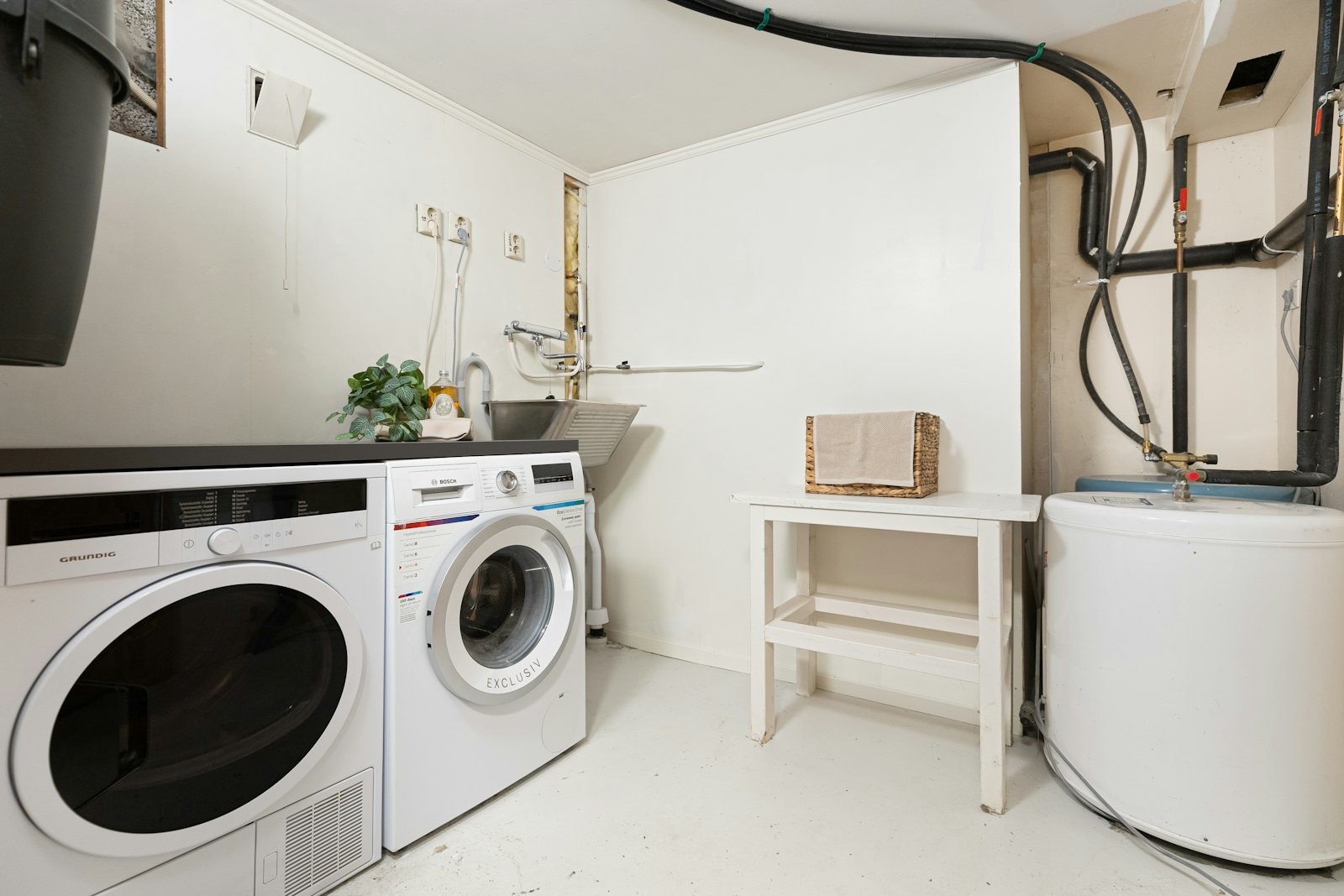
Appliance repair has a problem no other trade quite shares: you often cannot quote the job until you have already done part of it. The customer's washing machine is dead, and until you get there, open it up, and diagnose the fault, neither of you knows whether it is a $20 valve or a $400 motor, or whether it is worth fixing at all. That awkward gap is exactly why the diagnostic fee exists, and why so many repair techs get burned by not charging one. Your invoice has to handle diagnosis, parts, labour, and the possibility that the answer was "it is not worth repairing."
This guide covers how to invoice for appliance repair: diagnostic and call-out fees, parts plus labour, no-fix-no-fee, warranty on repairs, and a sample invoice you can copy.
What an appliance repair invoice must include
A repair invoice needs the standard fields plus a few specific to this trade:
- Your name or business name, contact, and tax number where registered
- The customer's name and the service address
- A unique invoice number, issue date, and a clear due date
- The appliance: type, brand, and model (and serial number if you have it)
- The fault diagnosed
- The diagnostic or call-out fee
- Parts supplied, itemised
- Labour, shown separately from parts
- Any warranty on the part and the workmanship
- Subtotal, tax if registered, and the total due
Naming the appliance and the fault is what makes a repair invoice defensible. If the same machine breaks again in three months, that record tells you both exactly what was done. For the full anatomy of an invoice, see our invoice format and layout guide.
The diagnostic fee: charge it
This is the single most important line on an appliance repair invoice. Getting to the property, opening the machine, and identifying the fault is real skilled work, and it takes time whether or not the customer goes ahead with the repair.
How it usually works:
- Charge a diagnostic (or call-out) fee upfront, quoted before you attend.
- Credit it against the repair if the customer proceeds. This is the standard, customer-friendly approach: "the $80 diagnostic comes off the bill if you go ahead."
- Keep the fee if they decline the repair, because you still did the work.
- Show it on the invoice either way, then show the credit as a separate deducted line if they proceeded.
Techs who skip the diagnostic fee end up giving away free call-outs to customers who then buy a new machine instead. Charging it, and crediting it fairly, is how you get paid for your time either way. It is the same logic as the call-out fees in our plumber invoice guide.
Sample appliance repair invoice
Here is a completed repair with the diagnostic credited.
| Description | Qty | Rate | Amount |
|---|---|---|---|
| Diagnostic call-out (Bosch washer, WAT28401) | 1 | $80.00 | $80.00 |
| Fault: faulty drain pump | |||
| Drain pump (part) | 1 | $95.00 | $95.00 |
| Labour, fit and test | 1 | $70.00 | $70.00 |
| Diagnostic credited against repair | 1 | −$80.00 | −$80.00 |
| Subtotal | $165.00 | ||
| Tax | $0.00 | ||
| Total due (on completion) | $165.00 |
The appliance and the fault are named, the diagnostic is shown and then credited, and parts are separated from labour. The customer can see the diagnostic was not "free", it was earned and then applied, which is exactly the impression you want.
No fix, no fee: be careful with it
"No fix, no fee" sounds great in an advert and is dangerous in practice. If you attend, diagnose, and the machine is beyond economic repair, you have done a full diagnostic for nothing.
A better position:
- Charge the diagnostic fee regardless, and be upfront about it when booking.
- Waive the labour, not the diagnosis, if you genuinely cannot fix it.
- Give the customer a written verdict ("beyond economic repair, cost to fix exceeds replacement"), which is a real service they can act on.
If you do advertise no-fix-no-fee, define precisely what "no fix" means, or a customer will apply it to a repair they simply declined. Vague terms are a frequent cause of disputes, as covered in our common invoice mistakes guide.
Parts, markup, and warranty

Three things belong clearly on the invoice:
- Parts, itemised separately from labour, with a fair markup for sourcing and stocking them. This is standard trade practice.
- Customer-supplied parts: have a policy. If they buy the part themselves, you cannot warrant it, and you should say so on the invoice.
- Warranty: state what you guarantee and for how long. Typically the part carries a manufacturer warranty and your workmanship carries your own (commonly 90 days to 12 months). Putting both on the invoice is a selling point, not a liability.
A clear warranty line reassures the customer that a repair is worth paying for, and it protects you by defining exactly what is covered.
Getting paid
Most domestic repairs are paid on completion, before you leave. Take card on site, or send the invoice immediately on the day. For landlords, letting agents, and commercial accounts (laundrettes, restaurants, care homes), agree terms in writing (often Net 14 or Net 30) and always put the property address and any job reference on the invoice. For terms and chasing slow payers, see our payment terms guide.
Tax for appliance repair
Tax depends on registration and location:
- In the UK, charge VAT (20%) once VAT registered.
- In Australia, register for GST (10%) at A$75,000 turnover and quote your ABN.
- In the USA, repair techs report income themselves; note that parts are goods, which many states tax even where they do not tax repair labour, so check your state.
Show parts and labour on separate lines so any tax applies to the right items. For the mechanics, see our how to add tax to an invoice guide.
Common appliance repair invoice mistakes
- No diagnostic fee, giving away free call-outs.
- Not naming the appliance and fault, so there is no record.
- Rolling parts into labour, hiding the split.
- Vague "no fix, no fee" terms a customer can exploit.
- No warranty stated, missing a free selling point.
Make a repair invoice in 60 seconds
You do not need field-service software to invoice cleanly. Invoicara's free invoice generator lets you list the diagnostic fee, itemise parts and labour separately, deduct the diagnostic credit, note the warranty, apply tax to the right items, and export a clean PDF. Save your details so each job's invoice takes under a minute. No sign-up, no watermark, free forever.
For related repair trades, see our auto repair invoice guide, handyman invoice guide, and HVAC invoice guide. For the basics, our complete guide on how to make an invoice covers every field. Charge the diagnostic, credit it fairly, separate parts from labour, and state your warranty, and appliance repair pays for every hour you actually work.