How to Send an Invoice by Email (With Wording)
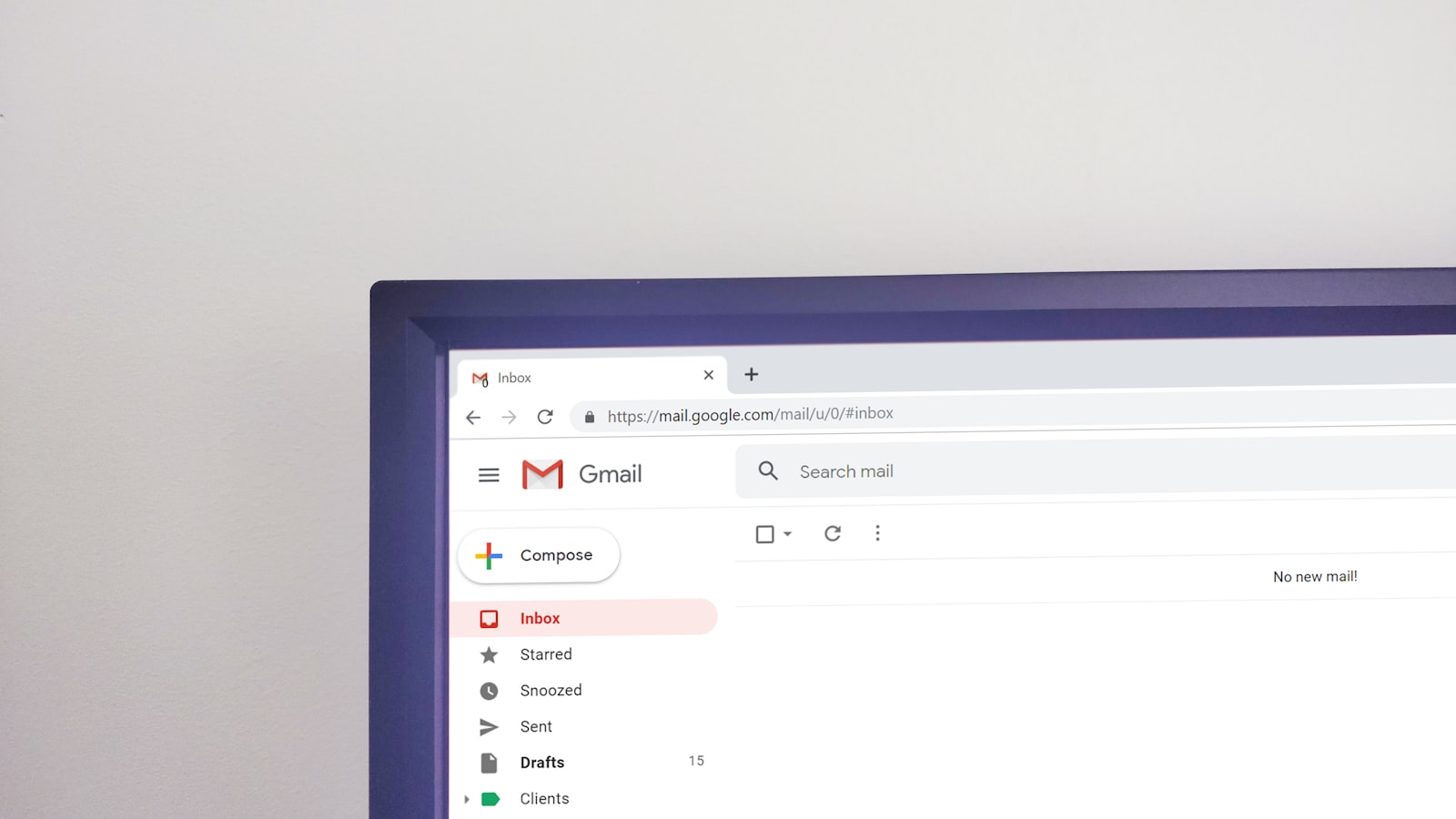
Email is how almost every invoice gets sent in 2026, but a surprising number of them get ignored, lost, or paid late simply because the email was written badly. A vague subject line, an invoice pasted into the body instead of attached, or no due date in sight, and your invoice sinks to the bottom of the client's inbox. A clear, professional invoice email does the opposite: it gets opened, the PDF gets saved, and you get paid on time.
This guide covers how to send an invoice by email the professional way: what to write, subject lines that get opened, attaching a PDF, timing, follow-up, and copy-paste templates you can use today. It works whether you are a freelancer, a tradesperson, or a small business.
Attach a PDF, never paste the invoice
The single most important rule: your invoice is an attached PDF, not text typed into the email body. A PDF looks professional, cannot be accidentally edited, prints cleanly, and is what an accounts department expects to file. Pasting invoice details into the email body looks amateur and makes the client's bookkeeping harder.
Name the file clearly too, so the client can find it later: Invoice-INV-0042-YourBusiness.pdf beats document.pdf. For why the format matters, and why editable Word or Excel files invite trouble, see our invoice format and layout guide. If you need to create the PDF first, Invoicara's free invoice generator exports one in seconds.
The subject line that gets opened
The subject line decides whether your email is opened now or buried. Make it specific: include the word "invoice", your business name, the invoice number, and ideally the amount or due date. Compare:
| Weak subject line | Strong subject line |
|---|---|
| Hi | Invoice INV-0042 from Acme Design, due 17 July |
| Payment | Invoice #0042 · £480 · due in 14 days |
| Following up | Invoice INV-0042 for June social media work |
| (no subject) | Acme Design invoice INV-0042 · payment details inside |
A strong subject line does three things: it tells the client exactly what the email is, it surfaces the invoice number for their records, and it plants the due date so payment feels time-bound. That small change alone lifts on-time payment.
What to write in the invoice email body
Keep the body short, warm, and clear. A good invoice email has five parts:
- A friendly greeting using the client's name.
- One line on what the invoice is for, referencing the work or period.
- The key numbers: total due, due date, and invoice number.
- How to pay: bank details, a payment link, or a note that they are on the invoice.
- A warm close thanking them and inviting questions.
You do not need to explain everything in the email, because the PDF carries the detail. The email's job is to frame the invoice and make paying easy. Always state the due date in the body as well as on the invoice, so there is no ambiguity, a point we stress in our payment terms guide.
Copy-paste invoice email template
Here is a template you can adapt for most situations.
Subject: Invoice INV-0042 from Acme Design, due 17 July
Hi Sarah,
Thank you for your business. Please find attached invoice INV-0042 for the June social media management work, totalling £480.
The invoice is due by 17 July 2026 (Net 14). Payment details are on the invoice, or you can pay by bank transfer to the account shown.
Any questions, just reply to this email and I will be happy to help.
Best regards, Alex Morgan Acme Design · alex@acmedesign.com
For a first invoice with a new client, add one line pointing to the payment method they prefer. For a recurring retainer, keep it even shorter, since they already know the drill.
Timing: when to send the invoice
Send the invoice promptly, because the clock to payment only starts once it lands. Best practice:
- Send as soon as the work is done or the milestone is hit, while the value is fresh in the client's mind.
- For retainers, send on the same day each month so it becomes predictable.
- Send during working hours, ideally mid-morning on a weekday, so it is seen and actioned rather than lost overnight.
- Send to the right person. Confirm whether it goes to your contact, an accounts email, or both. A CC to accounts often speeds things up.
An invoice sent two weeks late is paid two weeks late. Prompt billing is the cheapest way to improve your cash flow.
Following up without being awkward
If the due date passes, a short, polite follow-up email recovers most late invoices. Reply on the original thread so the invoice is attached again, keep the tone friendly, and restate the amount and a new payment date. Most late payments are oversights, not refusals, so a gentle nudge usually does it. For a full four-stage sequence with templates, see our how to follow up on unpaid invoices guide.
A note on international clients
If you invoice clients in other countries, the email is also where you can flag currency and payment method. State the currency clearly in both the subject and the body (£480 vs $480 matters), and mention the fastest way for them to pay across borders. Tax rules vary by country, so make sure the attached invoice meets the requirements where you are registered, whether that is the UK, Australia, or the USA. For the full cross-border picture, see our how to invoice international clients guide.
Common invoice email mistakes
- Pasting the invoice into the body instead of attaching a PDF.
- A vague subject line the client scrolls past.
- No due date in the email, only buried in the attachment.
- Sending to the wrong person, so it never reaches accounts.
- Attaching an editable Word or Excel file that can be altered.
- Sending late, which pushes payment later by the same amount.
Send your next invoice in under a minute
You do not need email marketing software to send an invoice professionally, just a clean PDF and a clear message. Invoicara's free invoice generator creates a professional, non-editable PDF you can attach straight to the email, with your details saved so the next one takes seconds. No sign-up, no watermark, free forever.
For the basics of building the invoice itself, see our complete guide on how to make an invoice. Attach a PDF, write a clear subject line, state the due date, send it promptly, and follow up politely, and your invoices get opened, saved, and paid on time.